
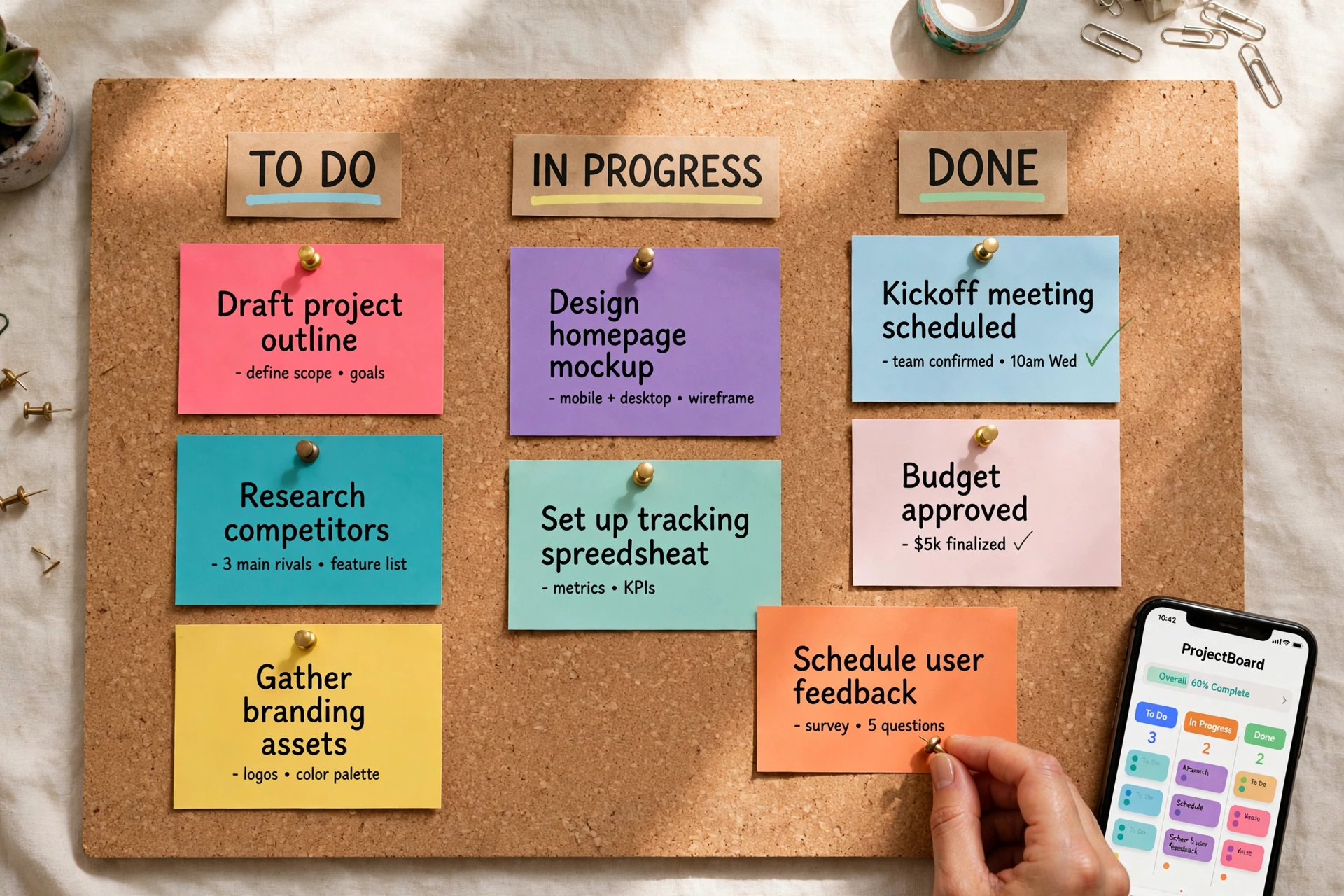
The short answer: pick Monday if your team needs a board anyone can understand on day one — clients, ops, marketing, non-technical staff — and you are willing to pay a bit more per seat for that clarity. Pick ClickUp if you want maximum capability per dollar — docs, time tracking, goals, sprints, and whiteboards in one workspace — and someone on the team will own the setup. The price gap matters, but it is not the real decision. The real decision is philosophy: visual legibility versus all-in-one depth.
Affiliate disclosure. We don’t have affiliate partnerships with Monday or ClickUp yet, so every link in this article is a plain link to the vendor’s own site — nobody pays us for clicks or signups. If we add affiliate programs later, this article will be updated to say so. Research date for pricing and plan details below: 2026-10-03.
First principles: two different answers to “what is work?”
Most comparisons start with feature checklists. That is the wrong starting point here, because Monday and ClickUp overlap on roughly 80% of surface features — tasks, assignees, due dates, comments, file attachments, dashboards. If features decided this, the comparison would be a tie. What actually decides it is what each product believes a unit of work is.
Monday’s model: work is a row on a board you can see. Monday (styled monday.com, product: Work Management) is built around boards made of items with typed columns — status, person, date, numbers, timeline. The design bet is that legibility is the feature: a manager, a client, or a new hire should be able to open a board and know what is happening without anyone explaining the system. Everything — the color coding, the limited column types, the opinionated layouts — serves glanceability. Monday then sells adjacent boards for adjacent jobs: Monday CRM for pipelines, Monday Dev for engineering, Monday Service for tickets. It is a visual work OS: separate, readable surfaces that connect.
ClickUp’s model: work is a hierarchy you can drill into. ClickUp is built as Space → Folder → List → Task, with subtasks, custom statuses, dependencies, and 15+ views (List, Board, Gantt, Calendar, Table, Mind Map, Whiteboard, and more) over the same data. The design bet is that depth is the feature: one workspace should replace your task manager, your docs tool, your whiteboard, your goal tracker, and your time tracker. ClickUp Docs, Goals, Whiteboards, built-in Chat, and native time tracking are not add-ons bolted on; they are the pitch — the “everything app” for work.
Derive the consequences and the verdict almost writes itself:
- If work is mostly coordination (who is doing what by when, visible to mixed audiences) → Monday’s board legibility wins, because adoption is the bottleneck, not capability.
- If work is mostly production (specs, sprints, deliverables, tracked hours, nested deliverables) → ClickUp’s hierarchy and bundled depth win, because switching between four tools is the bottleneck.
- Cost follows the philosophy. Monday charges for readable seats (with a 3-seat minimum). ClickUp charges less per seat but monetizes depth through tiers and an AI add-on.
Keep that frame in mind. Every section below is just evidence for it.
Pricing head-to-head (researched 2026-10-03)
All figures below are the annual-billing rates each vendor advertises; month-to-month billing costs more. Confirm current numbers on Monday’s pricing page and ClickUp’s pricing page before you buy — both vendors revise plans regularly.
Monday Work Management pricing
| Plan | Price (annual billing) | Who it fits | Key gates |
|---|---|---|---|
| Free | $0 | Individuals testing the product | Up to 2 seats, 3 boards |
| Basic | about $9/seat/mo | Small teams that just need boards | Unlimited items, 5 GB storage; no Timeline/Gantt, no automations to speak of |
| Standard | about $12/seat/mo | Most small teams | Timeline and Gantt views, guest access, about 250 automation actions/mo |
| Pro | about $19/seat/mo | Teams needing time tracking and reporting | Time tracking, formula columns, chart view, about 25,000 automation actions/mo |
| Enterprise | Custom | Larger orgs | Advanced security, governance, audit log |
The gotcha that matters: the 3-seat minimum. Every paid Monday plan requires at least 3 seats. A solo operator or a 2-person team pays for 3 seats regardless — about $27/mo minimum on Basic, about $36/mo on Standard, about $57/mo on Pro at annual rates. Budget on the seat block, not the headline per-seat price.
ClickUp pricing
| Plan | Price (annual billing) | Price (monthly billing) | Who it fits | Key gates |
|---|---|---|---|---|
| Free Forever | $0 | $0 | Tiny teams, personal use | Unlimited tasks and members; about 60 MB storage, 100 automation runs/mo, limited Gantt/Dashboard use |
| Unlimited | about $7/user/mo | about $10/user/mo | Small teams outgrowing free | Unlimited storage and integrations, 1,000 automation executions/mo |
| Business | about $12/user/mo | about $19/user/mo | Growing teams | Advanced automations (about 5,000 executions/mo), workload view, granular permissions |
| Enterprise | Custom | Custom | Larger orgs | SSO, audit logs, dedicated support |
The gotcha that matters: AI is an add-on. ClickUp Brain AI is sold separately (from about $9 per user per month, with higher Everything AI tiers on top), so a team that wants AI on every seat should add that to the per-seat math before comparing against Monday, where basic AI capabilities are bundled into paid tiers.
Bold pricing takeaways:
- ClickUp is cheaper at every comparable tier — about $7 vs about $9 at entry, about $12 vs about $12–19 in the middle — and has no seat minimum.
- Monday’s real entry price for a tiny team is the 3-seat block, not $9. For teams of 1–2, that floor alone can make Monday about 2–4x the cost of ClickUp Unlimited.
- Free plans are not comparable. ClickUp Free Forever can run a real (if storage-tight) team; Monday Free is a 2-seat sandbox.
What the monthly bill actually looks like
Headline per-seat prices hide the two multipliers above. Two worked examples (annual billing, list prices, researched 2026-10-03):
Example 1 — 5-person operations team, needs timelines and light automation.
- ClickUp Unlimited: 5 × about $7 = about $35/mo. Timelines (Gantt), integrations, and 1,000 automation executions/mo included.
- Monday Standard: 5 × about $12 = about $60/mo. Timeline/Gantt and guest access included; automations capped at about 250 actions/mo.
ClickUp costs roughly 40% less here, with a higher automation ceiling.
Example 2 — 3-person team that must track billable time.
- ClickUp Unlimited: 3 × about $7 = about $21/mo. Native time tracking included.
- Monday Pro: time tracking is gated to Pro, so 3 × about $19 = about $57/mo (and the 3-seat minimum is exactly met).
This is the single most expensive gate in the comparison: if you need time tracking, Monday’s comparable tier is Pro, not Basic or Standard. Teams that bill by the hour should compare ClickUp Unlimited/Business against Monday Pro, not against Monday’s headline $9.
For broader context on what project management software costs across the market, see our guide to how much project management software costs.
Features head-to-head
| Capability | Monday | ClickUp |
|---|---|---|
| Core model | Boards of items with typed columns | Space → Folder → List → Task hierarchy |
| Views | Board, Timeline/Gantt, Calendar, Kanban, Chart, Workload (tier-gated) | 15+ views incl. List, Board, Gantt, Calendar, Table, Mind Map, Whiteboard |
| Time tracking | Pro plan and above only | Native, included from free plan up |
| Docs / wiki | Workdocs (newer, board-linked) | ClickUp Docs (mature, task-linked, collaborative) |
| Whiteboards | Limited / via integrations | Built-in Whiteboards |
| Goals / OKRs | Higher tiers | Built-in Goals tied to tasks |
| Sprints | Requires setup/templates | Built-in sprint management |
| Built-in chat | No (relies on integrations) | Yes |
| Automations | Recipe builder; about 250/mo on Standard, about 25,000/mo on Pro | Automation executions; about 1,000/mo on Unlimited, about 5,000/mo on Business |
| Integrations | 200+ native, paid tiers | Broad native + API; unlimited integrations on Unlimited and up |
| CRM | Separate Monday CRM product | Custom-built lists (DIY) |
| AI | Bundled basics on paid tiers | Brain AI add-on from about $9/user/mo |
| Learning curve | Low — hours to a useful board | Higher — plan days to configure well |
Bold takeaways from that table:
- Time tracking is the sharpest divider. ClickUp includes it free; Monday gates it behind Pro at about $19/seat/mo. For agencies and consultants this one row can decide the purchase.
- Docs depth favors ClickUp. If your team writes specs, SOPs, or client deliverables alongside tasks, ClickUp Docs can plausibly replace a separate docs tool. Monday Workdocs are fine for board-adjacent notes, less so as a knowledge base.
- Client-facing legibility favors Monday. Guest access on Standard plus boards a client can read without training is a genuine advantage for agencies that give clients live project visibility. ClickUp can share views too, but the interface asks more of a first-time viewer.
- Consolidation only pays if you use it. ClickUp’s pitch is replacing 3–4 subscriptions. That math works when your team actually moves docs, whiteboards, and goal tracking into ClickUp. If you keep those elsewhere, you are paying the complexity cost without collecting the consolidation saving.
Ease of use and adoption risk
This is where small teams actually succeed or fail, and it maps directly back to the philosophy difference.
Monday’s constraint is its strength: because a board can only be so complex, a new teammate can be productive the same day. The failure mode is the opposite — power users hit the ceiling (no true subtask hierarchy, limited dependencies) and start building workaround boards.
ClickUp’s freedom is its risk: because almost everything is configurable, workspaces drift. Different lists use different statuses, views multiply, and within a few months nobody is sure which list is the source of truth. The documented pattern across user feedback is consistent: ClickUp rewards teams that appoint one owner to design the hierarchy and statuses up front, and punishes teams that let everyone improvise.
Practical rule: if nobody on your team wants to be the “systems person,” that is a vote for Monday. If someone naturally enjoys building the workspace, ClickUp’s ceiling is much higher.
If you are still deciding what you need from any tool in this category, our guide on how to choose project management software walks through the requirements checklist before you shortlist vendors. And if budget is the binding constraint, compare both against the options in our roundup of the best free project management software for small teams.
The verdict: best for each kind of small team
Pick Monday if:
- Your team is non-technical or mixed (ops, marketing, client services) and adoption speed matters more than depth.
- Clients or stakeholders need to see progress without training — boards and guest access are the product.
- You want a lightweight CRM next to project work and prefer Monday CRM’s purpose-built pipelines over DIY lists.
- You have at least 3 paid seats anyway, so the seat minimum is a non-issue.
Start on Standard (about $12/seat/mo annual) — Basic lacks Timeline/Gantt and meaningful automations, so most teams outgrow it immediately. Budget Pro only if you need time tracking or advanced reporting.
Pick ClickUp if:
- You track time (billable or capacity) and do not want to pay Pro-tier prices for a basic capability.
- You want one workspace for tasks, docs, goals, whiteboards, and chat — and will actually consolidate into it.
- Your work has real hierarchy: sprints, dependencies, nested deliverables, multiple views over the same tasks.
- Budget per seat is tight, or your team is 1–2 people and Monday’s 3-seat floor would waste money.
Start on Unlimited (about $7/user/mo annual). Move to Business when automation volume, workload management, or permissions demand it — not before.
The one-line verdict: Monday is the better communication tool for a small team; ClickUp is the better production tool. Choose based on whether your bottleneck is getting everyone to look at the same board, or getting deep work organized in one place — then let the pricing tables above confirm the choice fits your budget.
Pricing and plan details in this article were researched on 2026-10-03 from vendor pricing pages and current third-party reporting. Both vendors change plans and prices without notice; verify the tier, seat minimums, and add-on costs on the official pricing pages before purchasing.